Brightness
The required brightness depends on projection area, screen size, ambient light, and viewing conditions.

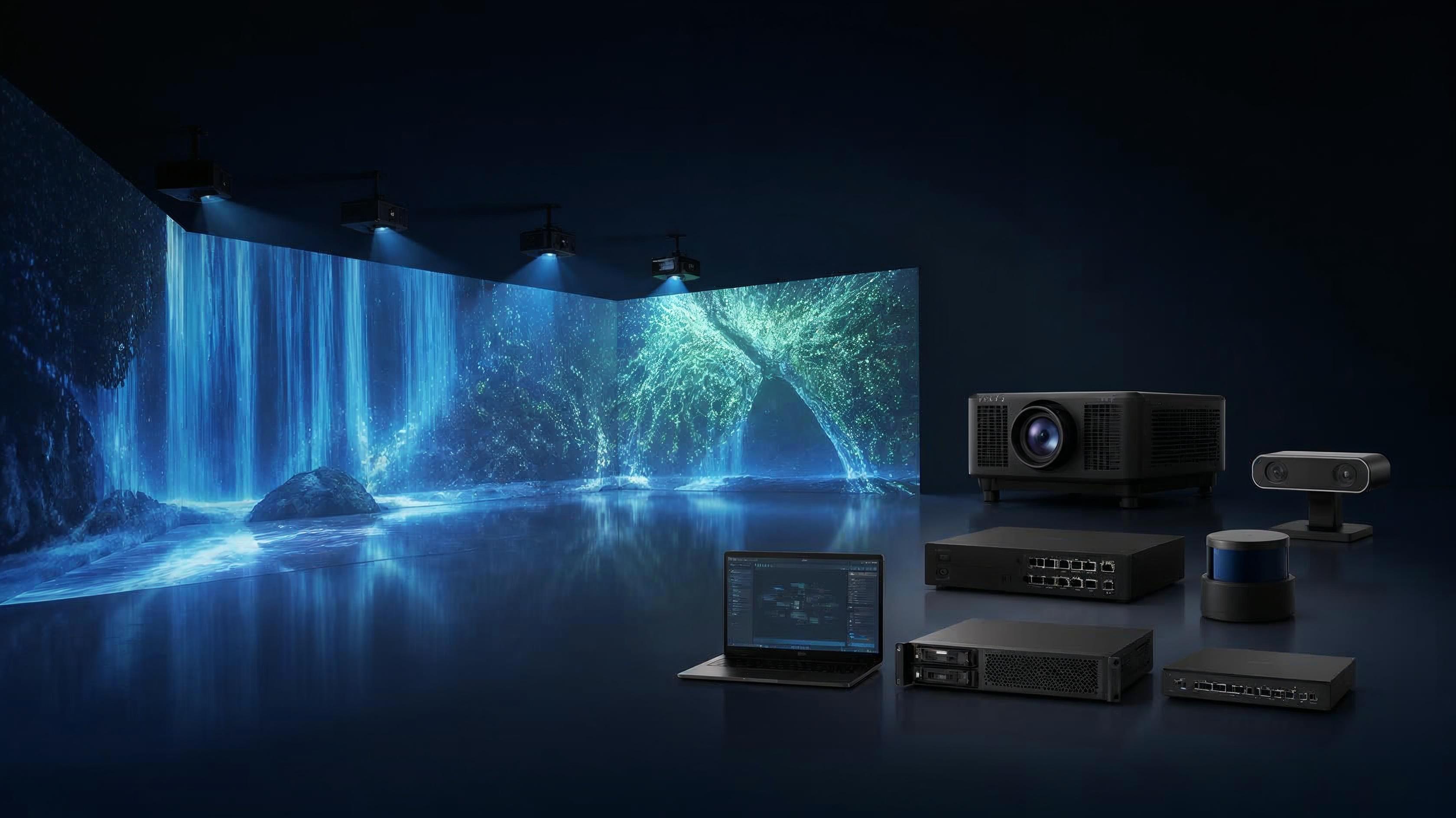
Explore the projection, interactive, control, and integration technologies behind reliable immersive visual experiences.
A successful immersive experience depends on more than a projector. The final result is influenced by the projection system, installation environment, image processing, interactive detection, media playback, control, and system integration.
Different projects require different combinations of technologies. This section introduces the main system components we commonly consider when planning immersive projection and interactive experiences.
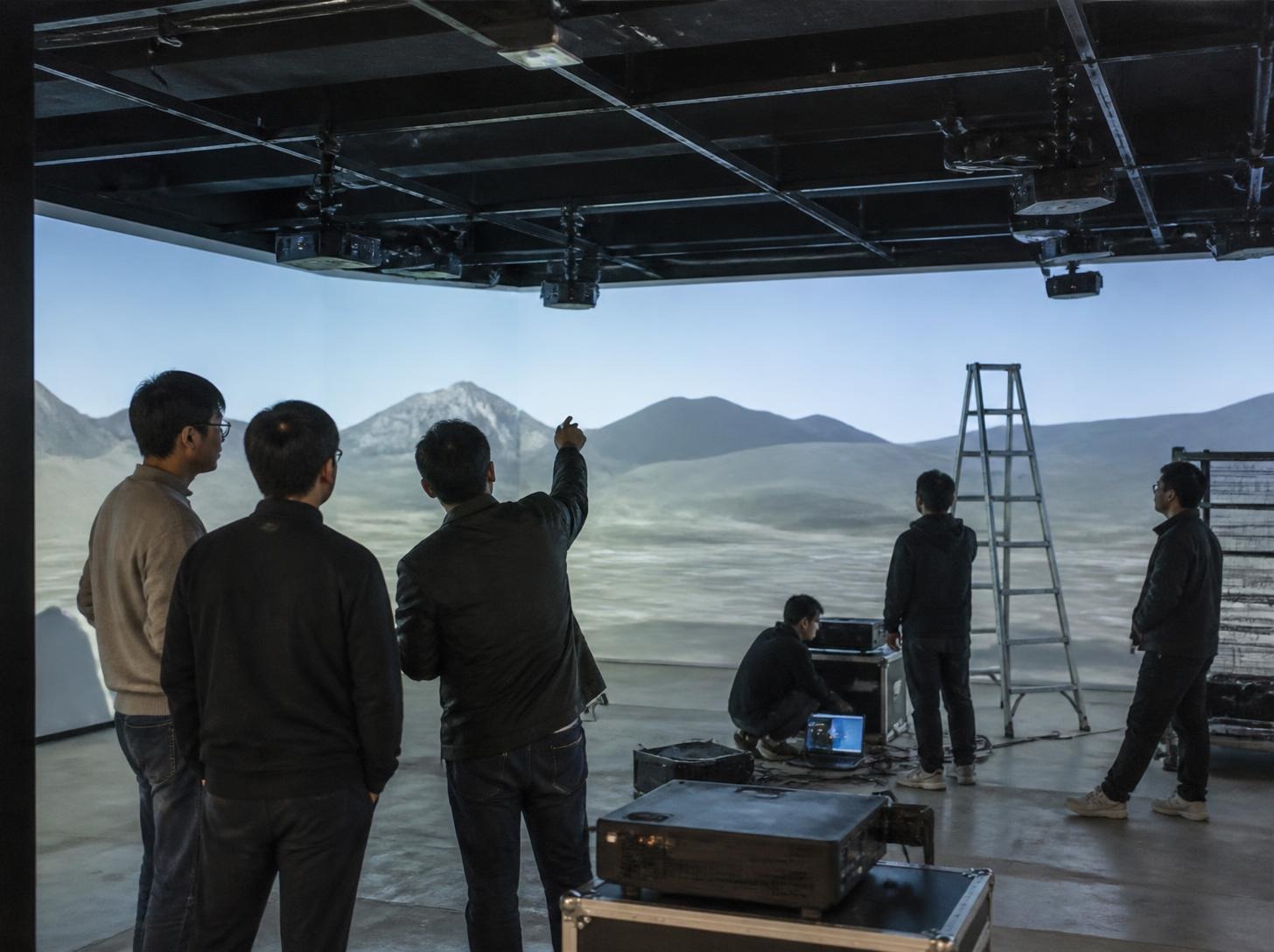
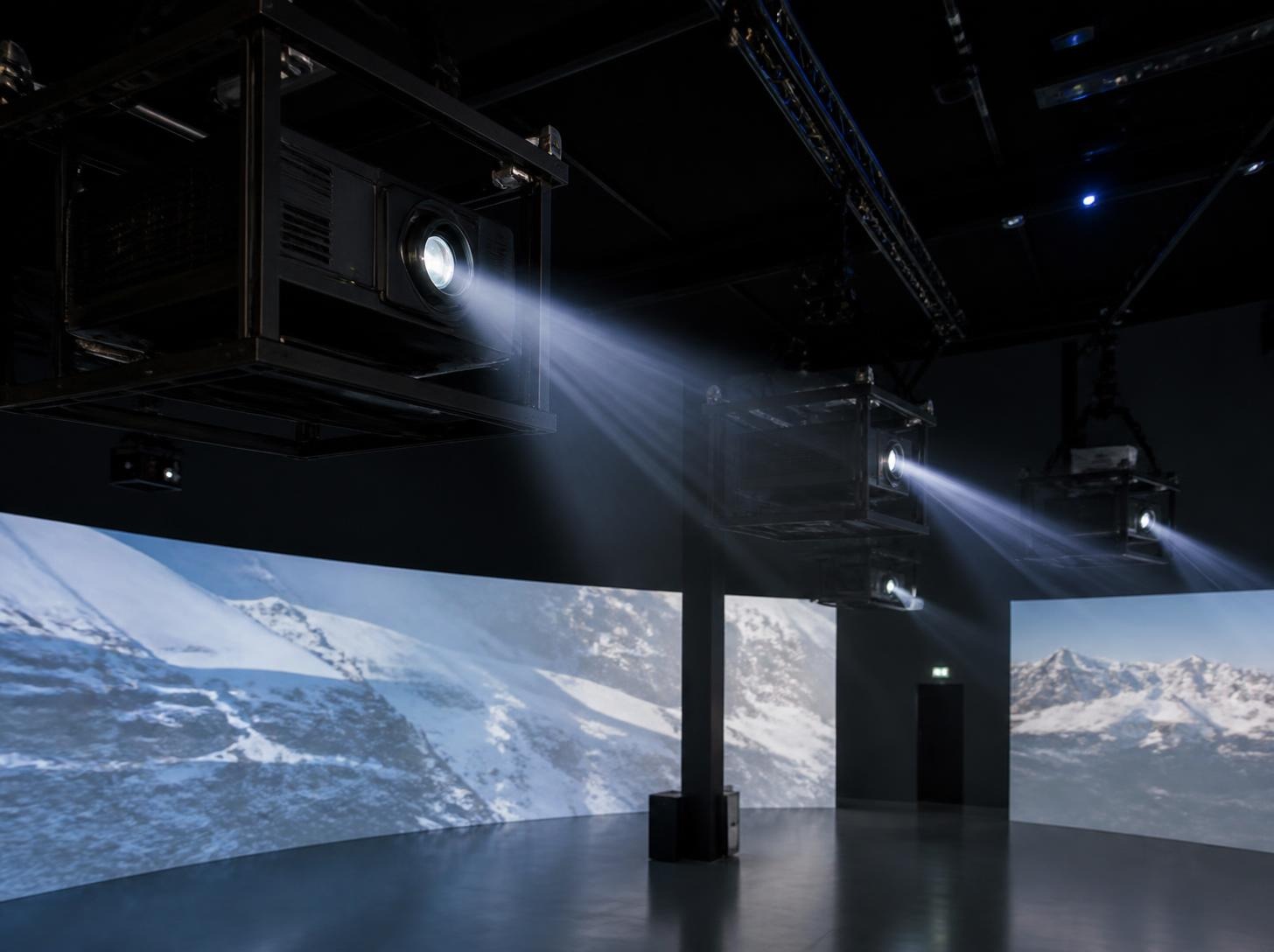
Choosing the right projector depends on the space, projection area, viewing distance, image requirements, installation conditions, and project budget.
| Brand | General Characteristics | Typical Applications |
|---|---|---|
| Epson | Broad installation range and flexible options for different projection environments. | Immersive projection, museums, exhibitions, events |
| Panasonic | Installation-oriented projection options suitable for a range of professional environments. | Large exhibitions, immersive spaces, events |
| Hualu | Project-based options that can be considered for customized system configurations. | Commercial projects, entertainment spaces, immersive installations |
| Optoma | Flexible options for different brightness and installation requirements. | Commercial spaces, exhibitions, entertainment, interactive projection |
| BenQ | Practical options for smaller and medium-sized projection applications. | Interactive projection, education, exhibitions, commercial spaces |
Other projector brands and models may also be considered depending on project requirements.
The required brightness depends on projection area, screen size, ambient light, and viewing conditions.
Resolution should match content detail, viewing distance, and the expected image quality.
Lens selection affects image size and flexibility when the installation position is limited.
The projector position must provide enough distance for the required image size and lens.
The size, shape, and number of projection surfaces influence projector and lens selection.
Room lighting and uncontrolled daylight can affect image visibility and contrast.
Ceiling height, mounting access, obstacles, and service access all affect the system layout.
The right projector is not simply the one with the highest specifications. It is the one that fits the space, content, installation conditions, and overall system requirements.
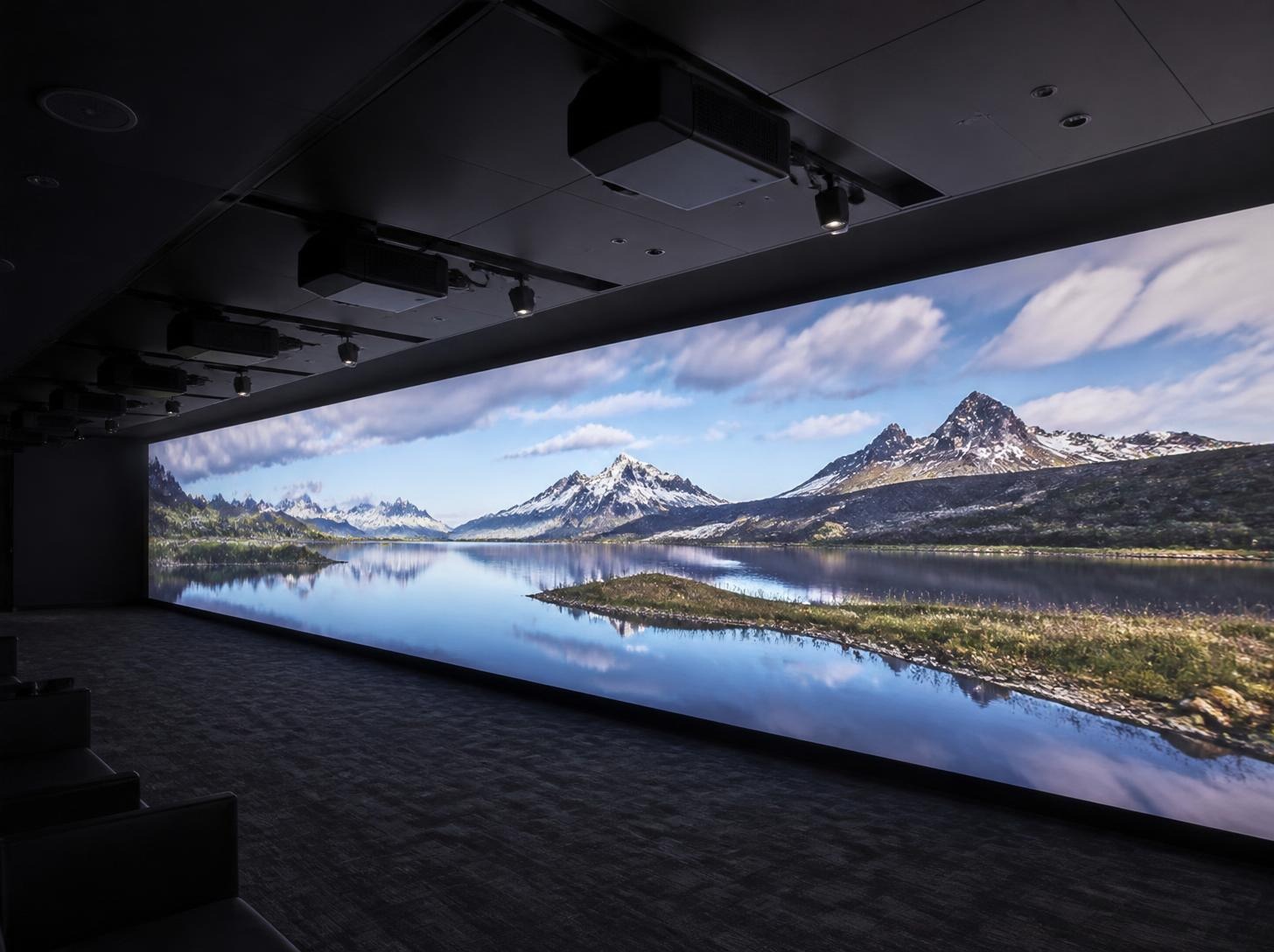
Combine multiple projectors into one continuous visual canvas for large-format and immersive projection environments.
When one projector cannot cover the complete projection area, multiple projectors can be used. Their images overlap in specific areas, and image processing blends those overlapping areas so the final result appears as one continuous large image.
The position and angle of each projector affect alignment and image geometry.
The lens must suit the required image size and available installation distance.
Each projector needs a suitable distance for its image size and position.
The size and placement of the blended overlap affect continuity and final coverage.
Projector output should be matched closely across the blended area.
Color and white balance differences can become visible in the overlap.
Images may need adjustment to align correctly with the surface and each other.
Blending, warping, and timing require suitable processing and playback equipment.
No. A small project may need only one projector. Multiple projectors and Edge Blending may be considered when the projection area, room shape, brightness requirements, or immersive coverage increase.
Detect movement, position, distance, or body interaction and connect physical actions with digital visual experiences.
A projector displays the image, but it usually does not know where a person is or what they are doing. An interactive system adds detection equipment such as LiDAR, an IR camera, or Kinect Sensors. Software processes that information and changes the projected content in response.
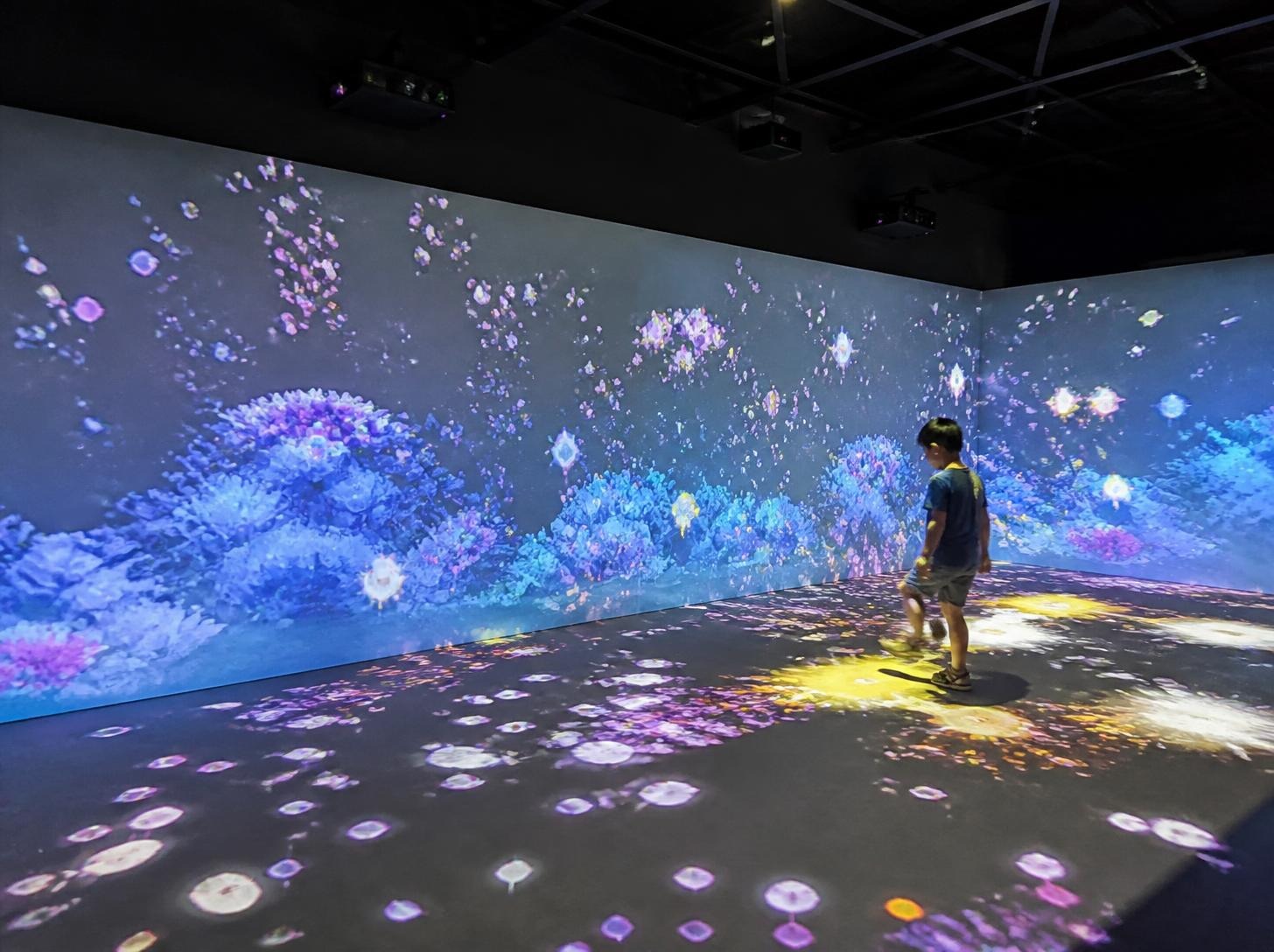
Feichuang Visual has used Siminics LiDAR sensors in suitable interactive projects. LiDAR detects spatial and distance information and can be used when the system needs to understand position, distance, or movement within a defined area.
An infrared camera can detect and track movement, position, or objects and provide that information to an interactive system.
Kinect Sensors combine depth sensing and body tracking. They can detect body movement and position for interactive experiences that respond to participants.
| Technology | Main Capability | Typical Applications |
|---|---|---|
| LiDAR | Spatial and distance detection | Large interactive spaces, spatial interaction |
| IR Camera | Movement and visual tracking | Interactive installations, movement tracking |
| Kinect | Depth and body tracking | Interactive games, digital sports, body interaction |
Sensor-based detection may be suitable.
An IR camera or Kinect Sensors can be considered.
Kinect Sensors may be suitable.
LiDAR may be suitable.
A combination of detection hardware and interactive software may be considered depending on project requirements.
Coordinate media playback, projector outputs, signal distribution, and system operation for reliable immersive experiences.
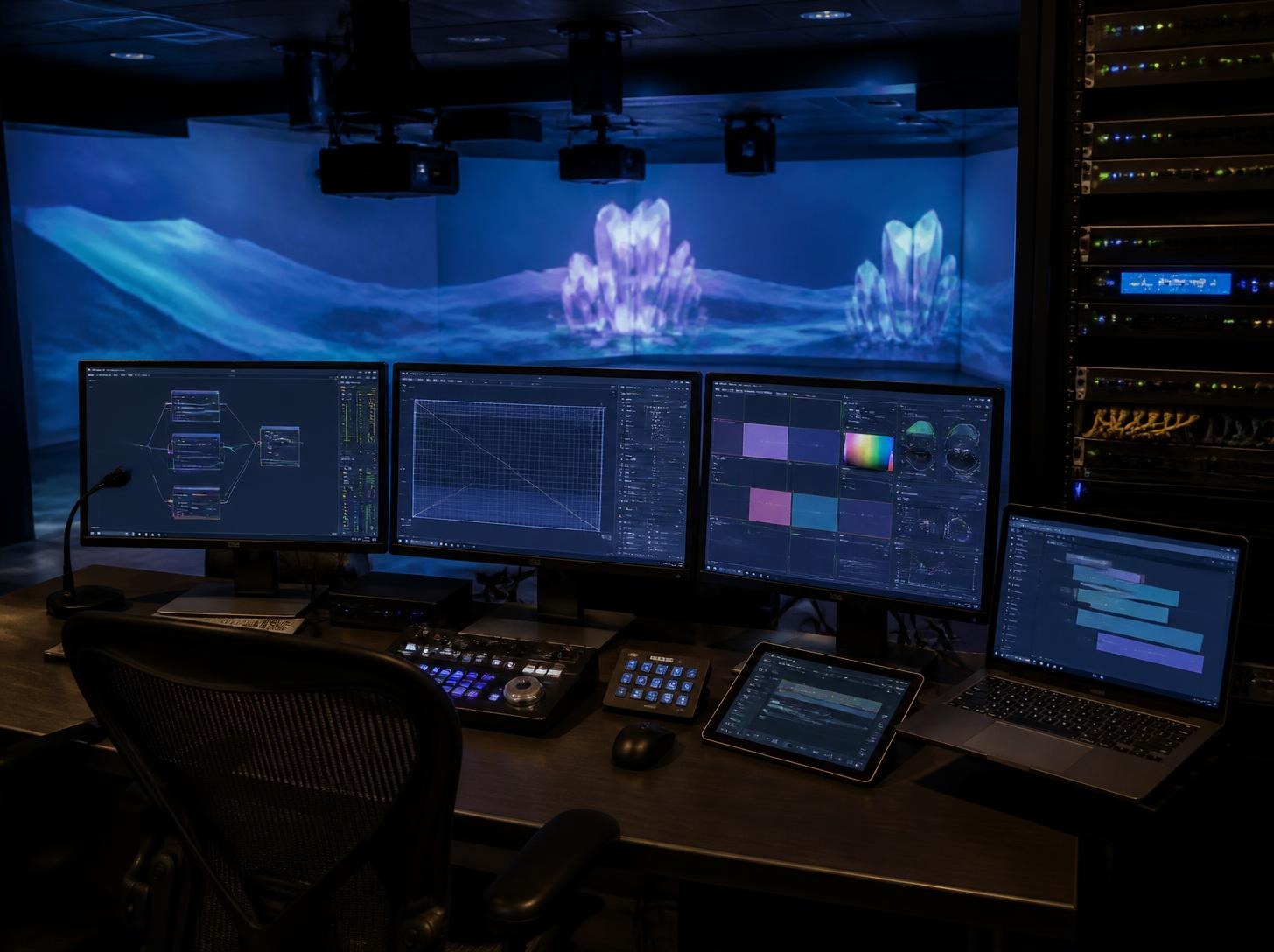
Used for image blending, warping, edge blending, image output, and multi-channel processing in multi-projector systems.
Depending on project requirements, a high-performance PC or custom-built server system may be used for content playback, interactive software, media processing, and multi-output applications.
Used to distribute, duplicate, or transmit video signals between different devices and output systems.
Content and playback systems designed around the visual requirements of each project.
Content is part of the visual system. For immersive projection and interactive projects, content needs to be considered together with the physical space, projection surfaces, display configuration, and playback system.
Depending on the project, we can support content customization and help coordinate the visual content with the technical system, including projection areas, display layouts, playback requirements, and interactive visual responses.
The goal is to make the content work with the system rather than treating content as something added after the hardware has been installed.
We can support customized visual content for project-specific requirements, including immersive environments, exhibition spaces, themed experiences, interactive projection, and other visual installations.
Content should be planned around the actual projection or display environment, rather than designed independently from the system.
The playback system needs to match the visual configuration of the project. Depending on the installation, this may involve:
Content customization is not an isolated design service. It needs to be coordinated with the space, display configuration, playback, and system integration so that the content can be delivered as intended.
For interactive projects, visual content can also be designed to respond to detected movement, interaction zones, or other project-specific inputs. The content logic, projection layout, and system response should be planned together.
Explore product directions that may be used as part of an immersive projection or interactive visual system.
There is no single projector model that suits every project. The suitable option depends on the projection area, viewing distance, ambient light, installation position, content type, resolution requirements, and whether multiple projectors are required.
The number depends on the projection area, room shape, projection distance, lens selection, brightness requirements, and required image coverage. A small project may need one projector, while a large immersive space may require multiple projectors. The final number should be planned according to the actual venue conditions.
Edge blending is usually considered when multiple projectors need to create one continuous large image. A single-projector system or a simple display area often does not require edge blending.
A standard projection system mainly displays visual content. An interactive projection system adds detection and interaction equipment so it can identify people or object movement and make the digital content respond.
Depending on the project, the system may include projectors, detection hardware, interactive software, a computer or media system, network or signal equipment, and control components. Not every project requires every item.
No single device suits every project. The choice depends on whether the system needs to detect spatial distance, human movement, position, or a simple trigger. The suitable approach should be reviewed together with the content and project requirements.
The required computer or server depends on the number of projectors, resolution, number of output channels, content complexity, interactive requirements, and real-time processing needs. A fixed CPU or GPU configuration is not suitable for every project.
In some projects, one computer can control multiple projectors, depending on the number of outputs, resolution, content playback method, image processing, and system architecture. Larger systems may need dedicated multi-channel processing or fusion servers.
Yes. You do not need to know the exact projector model, brightness, or interactive equipment before the first discussion. Useful starting information includes room dimensions, projection area, photos, floor plans, viewing distance, intended experience, and expected audience or usage.
This needs to be evaluated according to the specific system and project conditions. For multi-projector blending, brightness, resolution, lens, color performance, image processing, and system compatibility are important considerations.
Tell us about your space, project goals, and technical requirements. We can help you explore the right projection and immersive solution for your project.
Discuss Your Project


